
Software solutions are shifting faster than ever. Keeping up with thousands of platform launches can feel overwhelming, especially when you just want to find software that actually saves you time. This Best AI Tools Ultimate Guide filters out the endless noise to bring you the top-performing software across multiple industries.
Whether you need to polish your daily writing, build stunning marketing designs, or automate messy internal tasks, the right choice completely transforms your workday. Selecting the right system means looking past the marketing hype and matching the software directly to your practical needs. Let’s break down the standout applications making an impact today.
Smart Solutions for Writing and Research
Creating written material no longer requires staring at a blank screen for hours. Modern writing assistants adapt to your specific voice and tone while eliminating grammar mistakes in real-time.
- Claude (Anthropic): This platform excels at long-form writing and processing dense, complex documents. It generates highly polished, professional text that mirrors natural human expression.
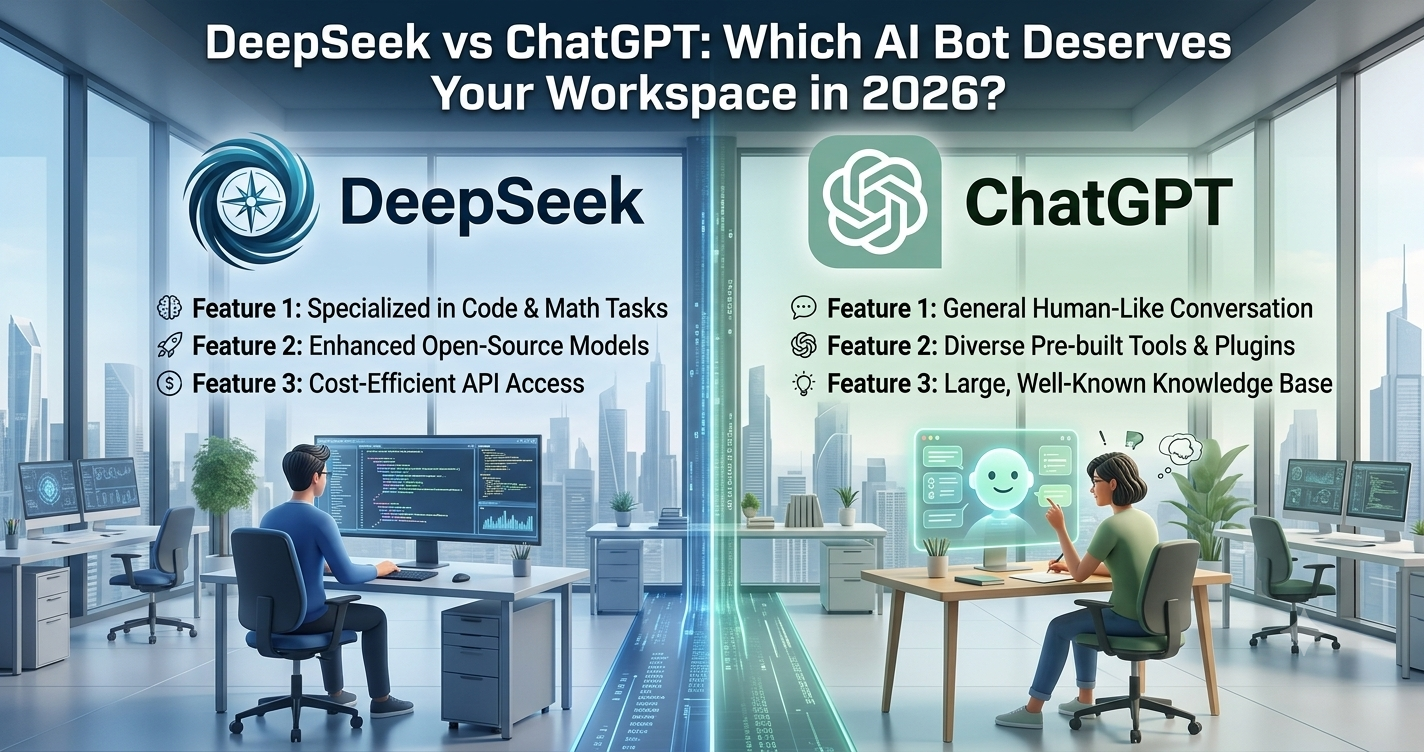
- ChatGPT (OpenAI): The ultimate all-rounder assistant for brainstorming, rapid drafting, and general reasoning tasks.
- Perplexity AI: A dedicated research engine that scans the live web and provides clean answers backed by clear, clickable citations.
Using these platforms side by side lets you gather facts instantly and package them into engaging content seamlessly.
Best AI Tools Ultimate Guide for Visual Design and Automation
Design and workplace operations have evolved far beyond manual data entry and complex software suites. You can now build visual assets and connect your favorite apps without writing a single line of code.
Elevating Graphic Design and Media Creation
Visual generation software allows anyone to create professional graphics without extensive training. Canva Magic Studio helps users generate custom presentations, social media layouts, and branding assets using plain English prompts. If you need custom photography, Midjourney creates stunning, high-fidelity images that bring creative concepts to life instantly.
Streamlining Daily Workplace Workflows
True productivity comes from tying your systems together. Zapier uses smart automations to pass data between thousands of everyday apps. You can instruct its system to automatically summarize new incoming leads or draft instant email updates based on real-time activity. Meanwhile, platforms like Notion integrate smart note-taking and project tracking inside one collaborative digital workspace.
Side-by-Side Industry Comparison
This structured breakdown outlines where each premium platform performs best across different business roles.
| Platform Name | Main Business Focus | Best Operational Feature | Pricing Type |
| Claude | Writing & Document Review | Large document context processing | Freemium |
| Perplexity AI | Deep Research & Fact-Checking | Real-time web sourcing with citations | Freemium |
| Canva Magic Studio | Graphic Design & Presentations | Smart layout and element suggestions | Freemium |
| Zapier | Multi-App Automation | Self-directed workflow copilot building | Freemium |
| Superhuman | Email Inbox Organization | Style-matched reply drafting and speed | Paid |
Summary
Building your perfect tech stack requires starting small rather than adopting twenty different apps at once. Use this Best AI Tools Ultimate Guide to isolate your biggest daily bottlenecks. Pick two or three programs that directly address those pain points, test them thoroughly, and watch your weekly productivity soar.
Frequently Asked Questions (FAQs)
How do I choose the right platform without feeling overwhelmed?
Focus on one specific business department first, such as marketing or inbox management. List your most repetitive daily tasks, look for a platform that handles that specific issue, and test it for at least two weeks before adding another.
Are free tiers enough for standard business needs?
Yes, most top-tier options offer generous free packages that provide great daily utility. Upgrading to a paid subscription usually becomes necessary only when you need unlimited processing power, advanced data handling, or API access.
Can these programs sync with my existing business apps?
Absolutely. Integration is a core focus for modern software developers. Connecting platforms directly to your current email, calendar, or project board ensures your automated systems run smoothly without extra manual effort.